A cash flow management system built for growing finance teams.

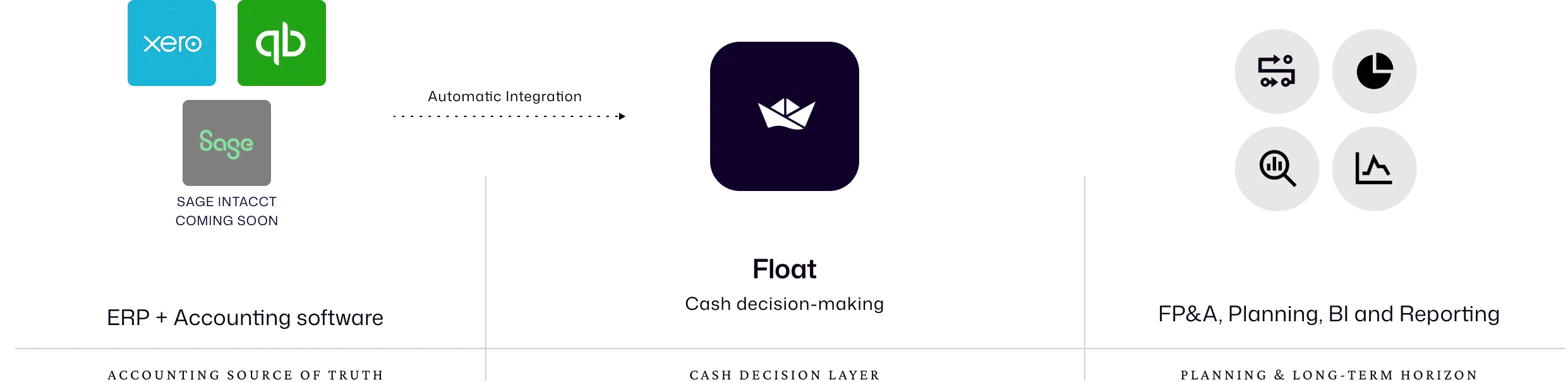
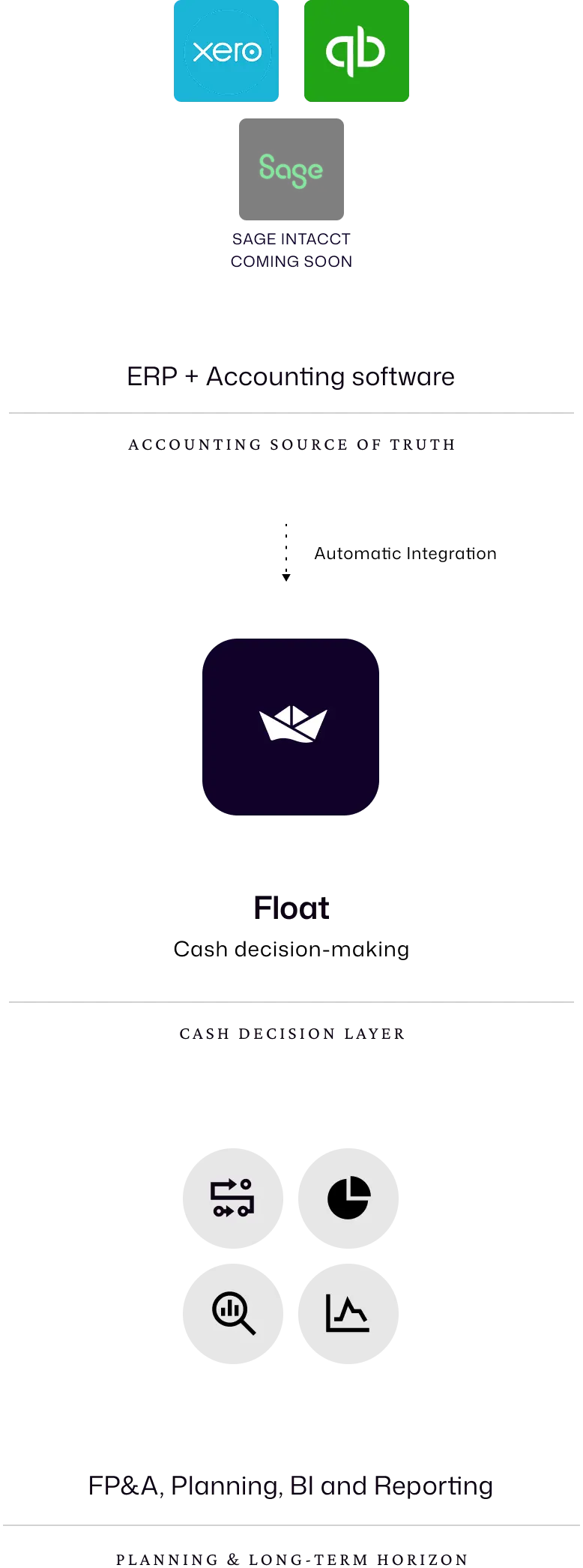
The cash decision layer between accounting and reporting
Give your team a cash forecast they can act on
Float pulls your live bank balances, invoices, and bills from your accounting software. Your rolling forecast updates itself when your data does.
A single source of truth for your cash position
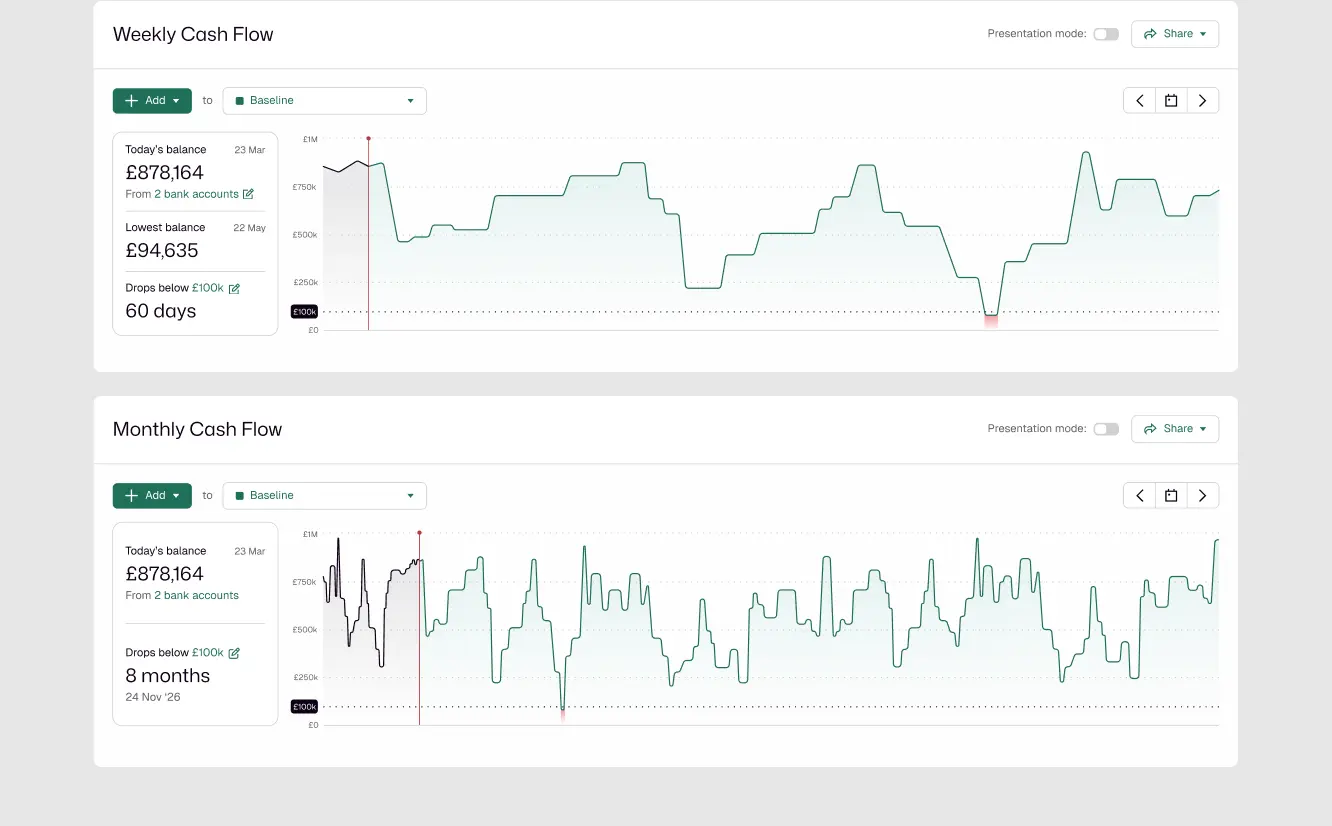
Monthly and Weekly views into your cash
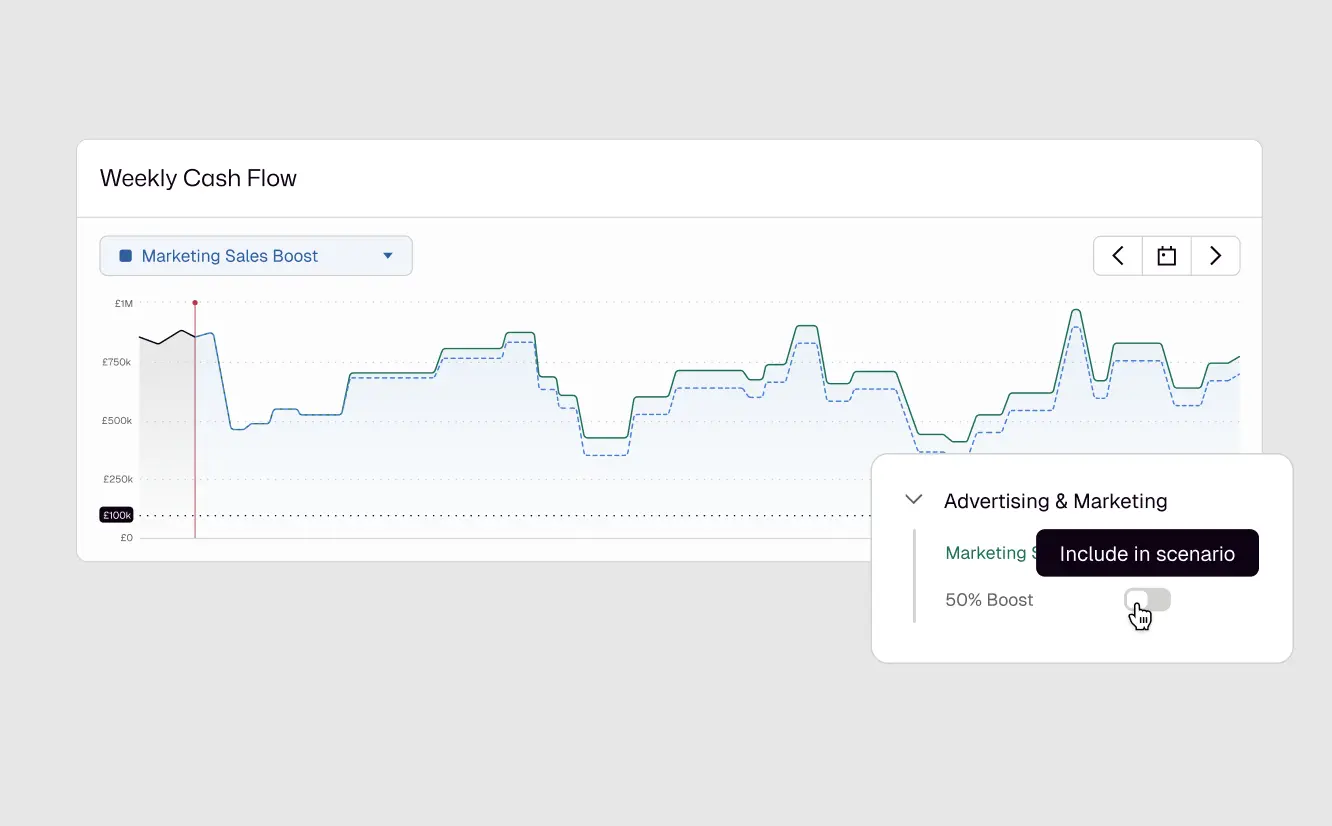
See the cash impact of any decision before you make it
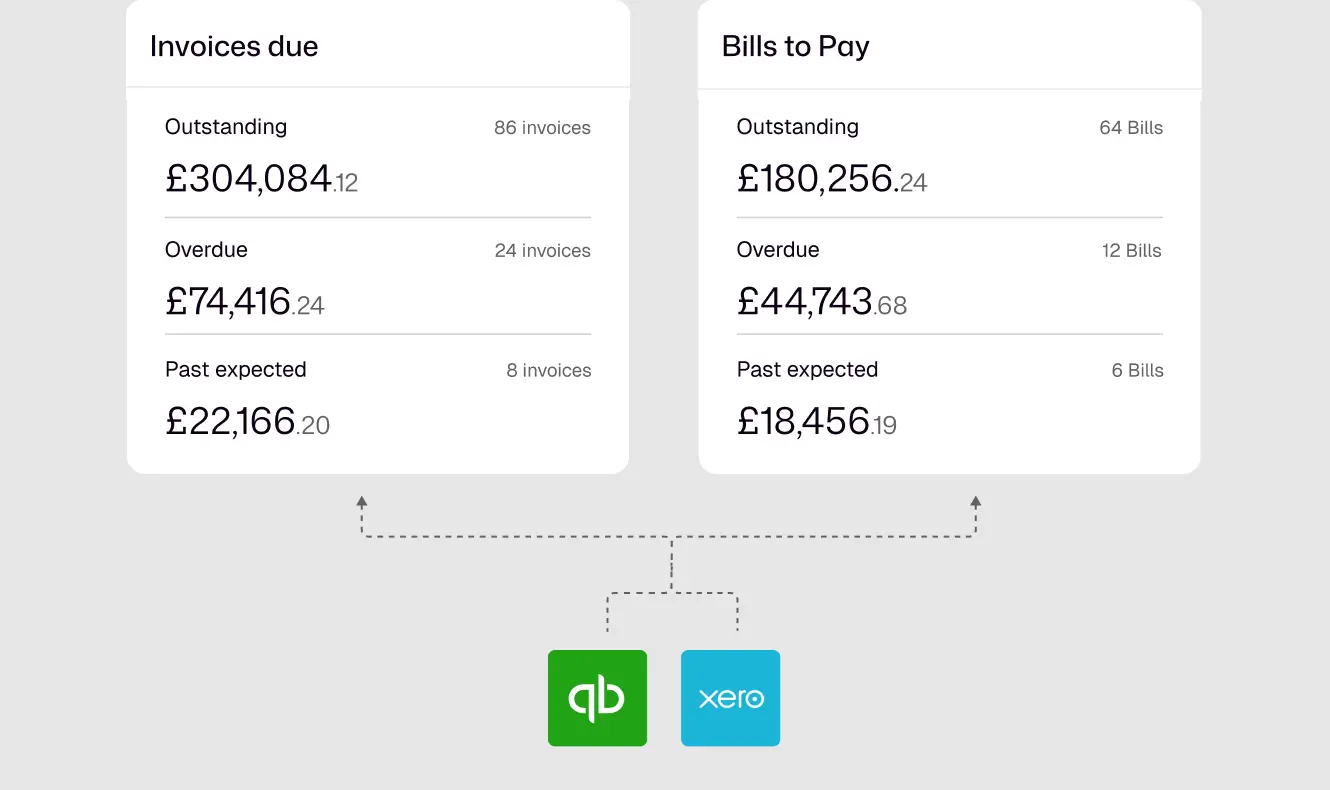
A full picture of what you owe and what you are owed
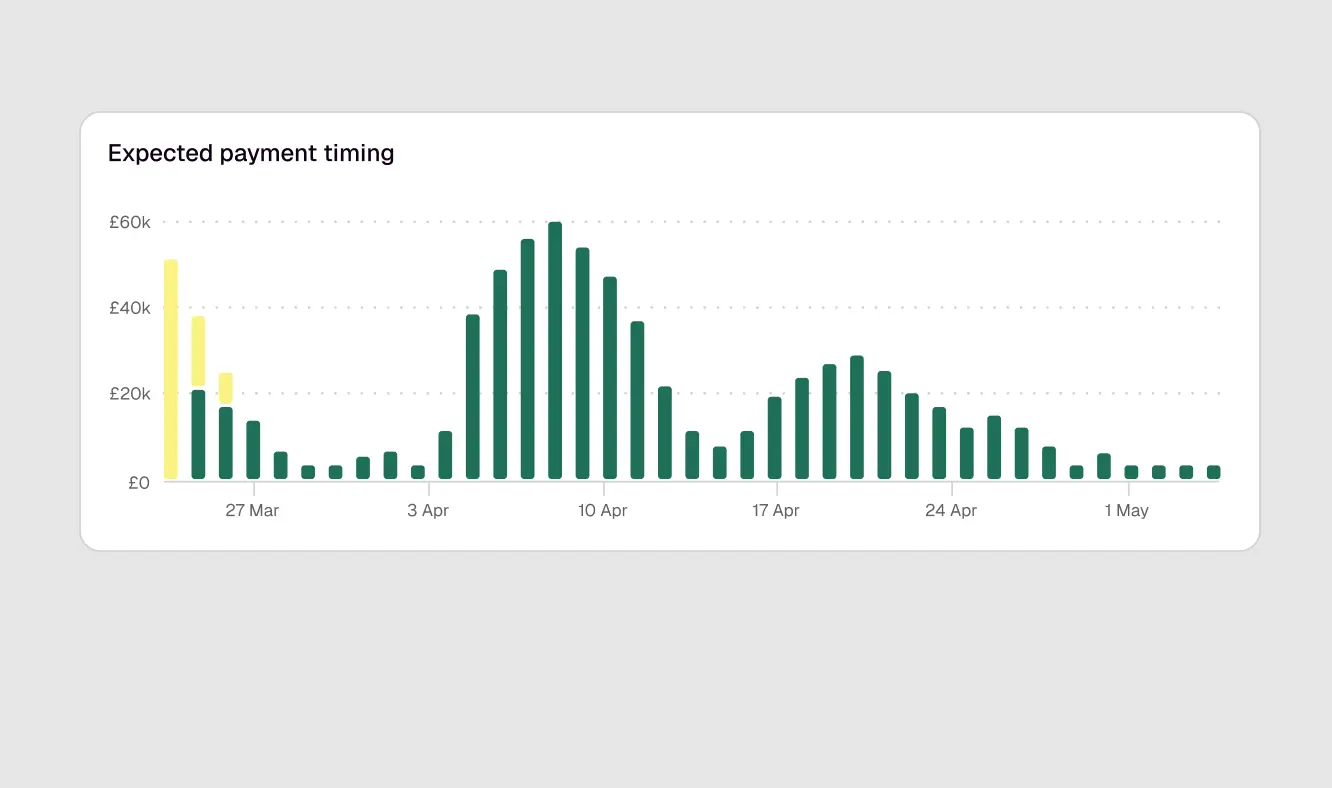
Accurate forecasts without the manual grind

One place for every cash conversation and decision across your entire organisation
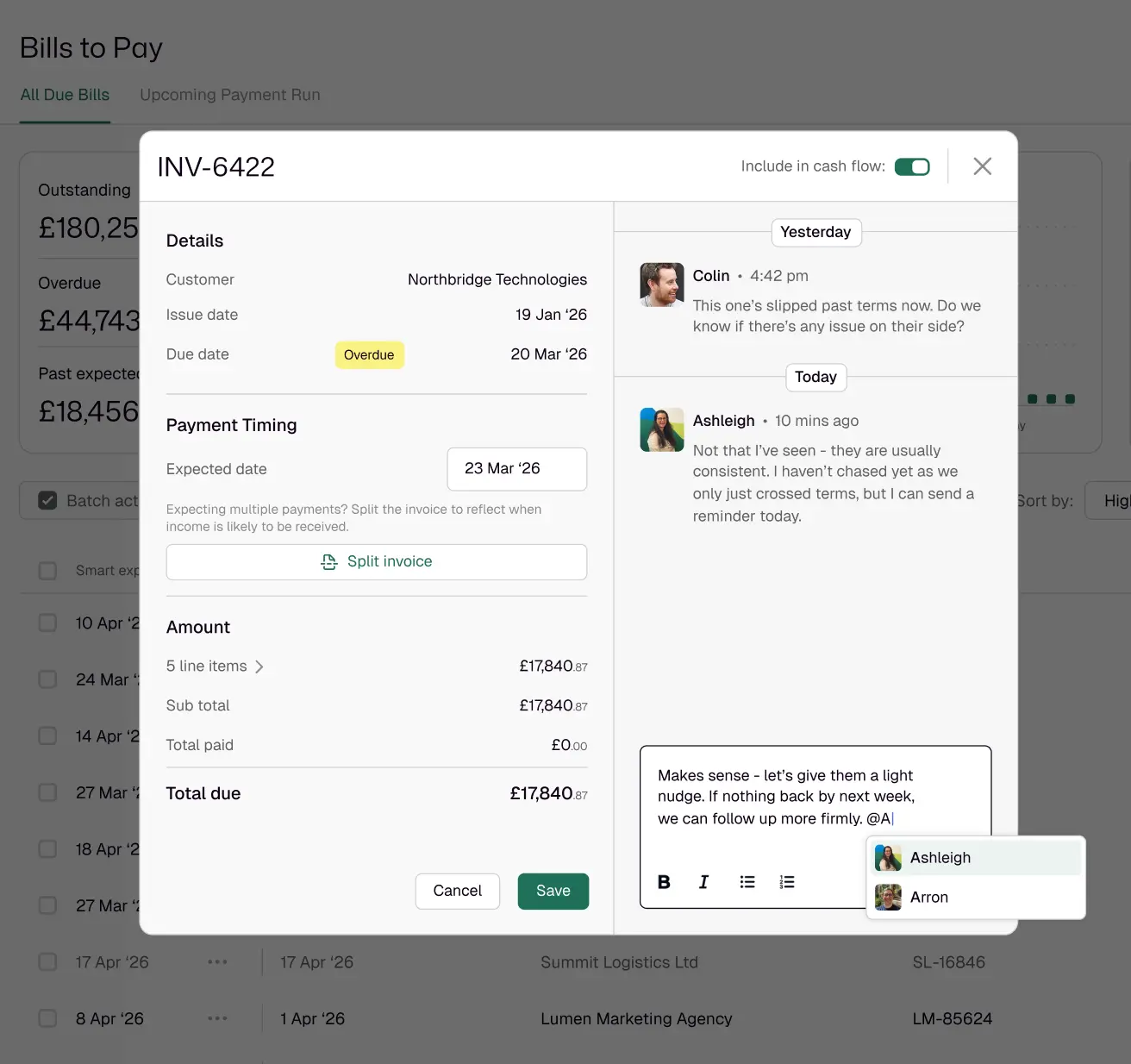
Real-time collaboration
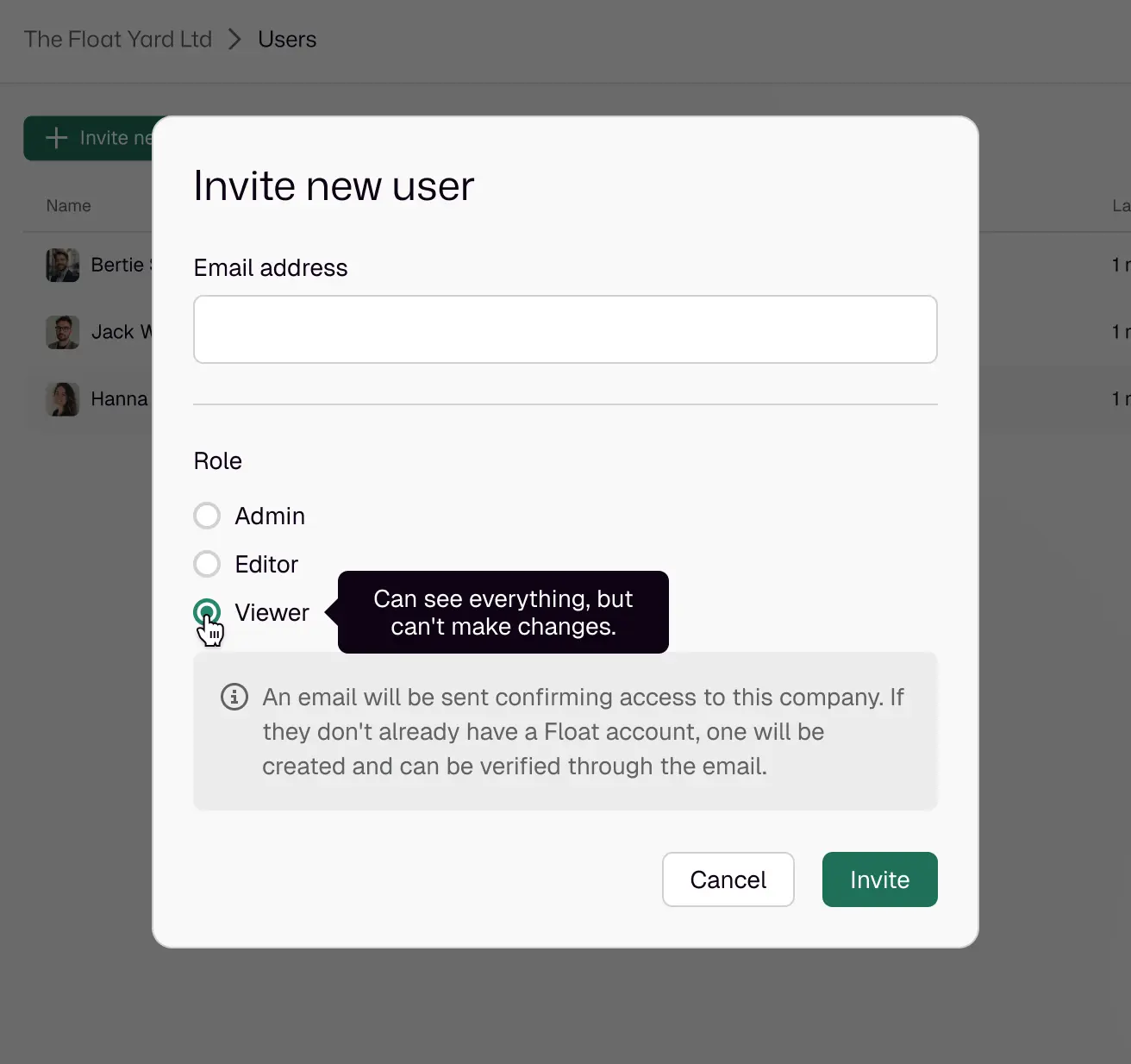
Permission Control
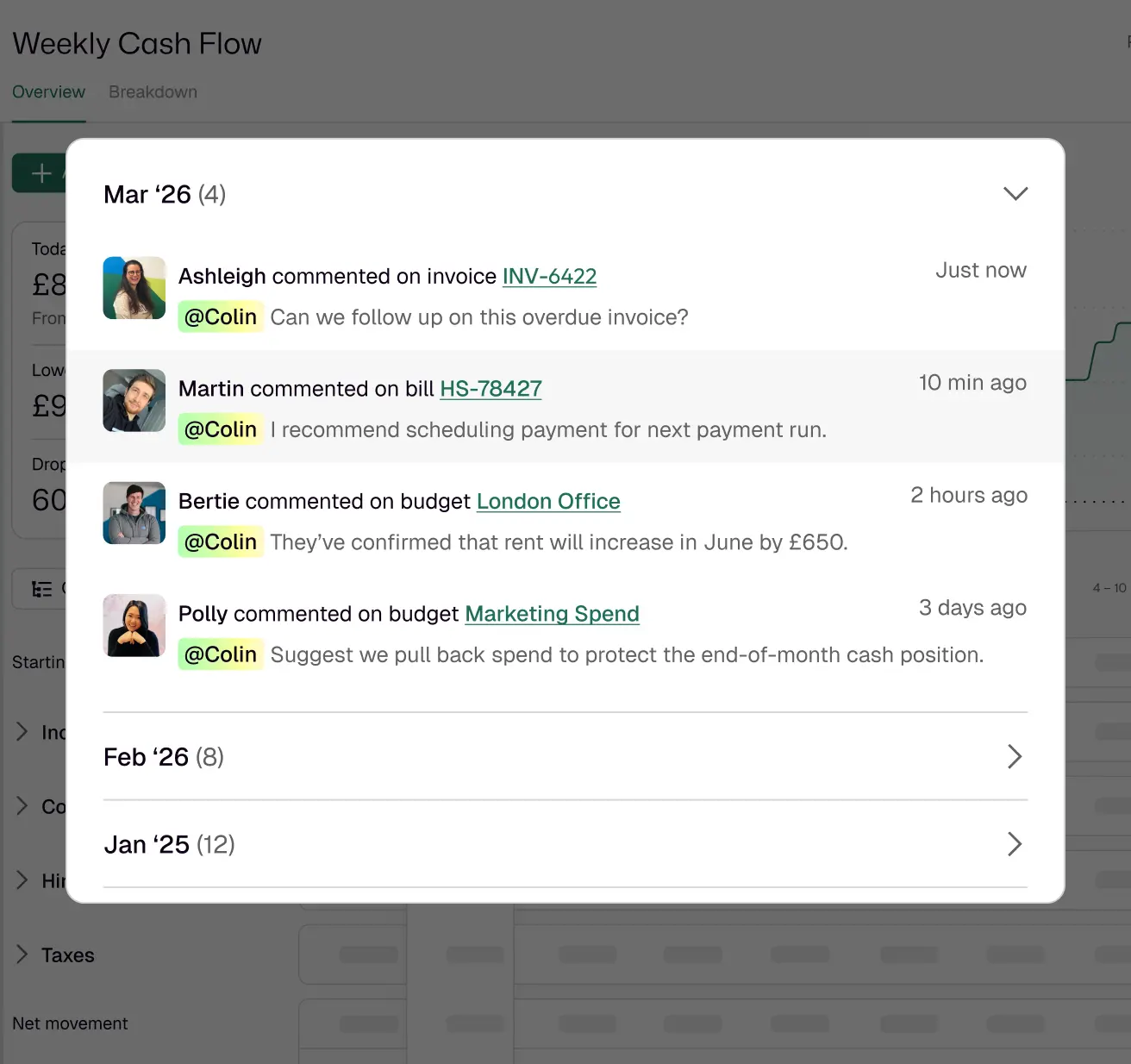
Mention Notifications
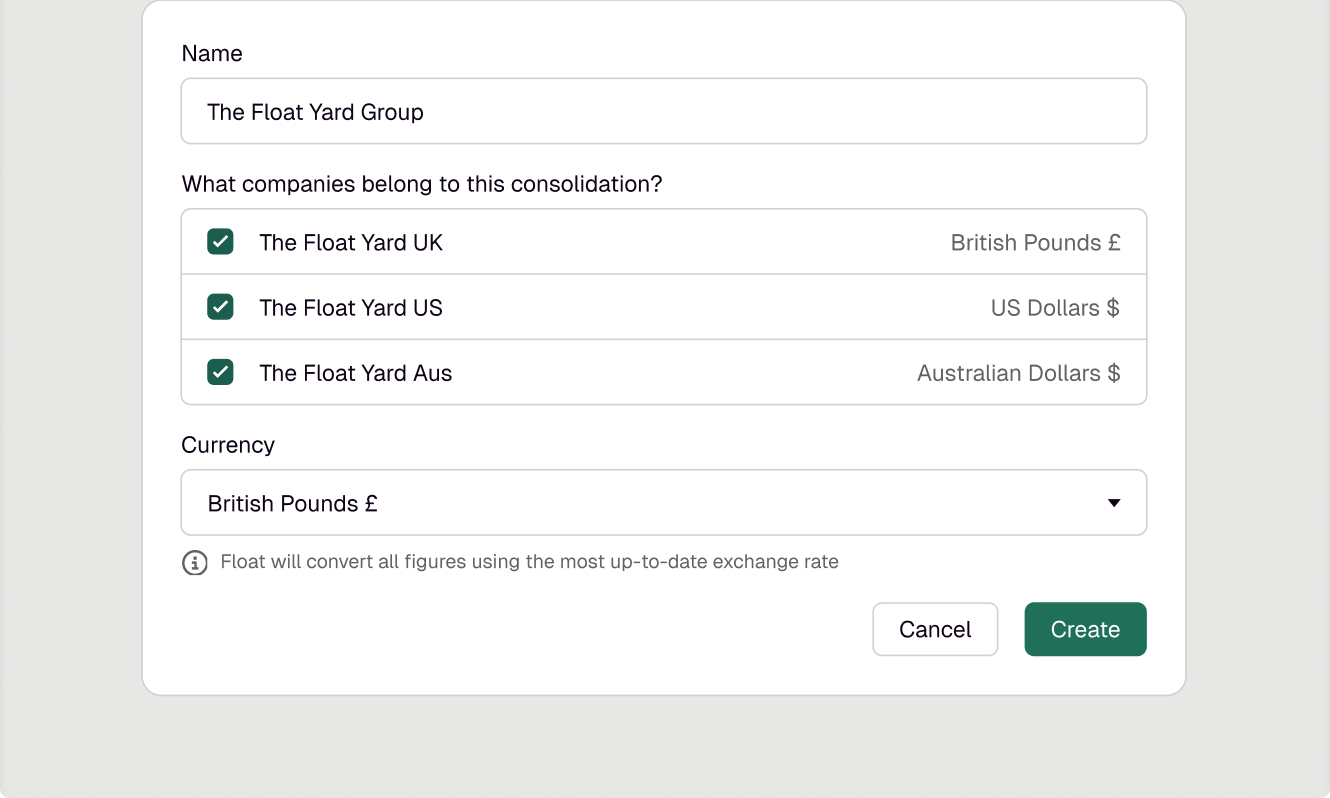
One consolidated view across every entity
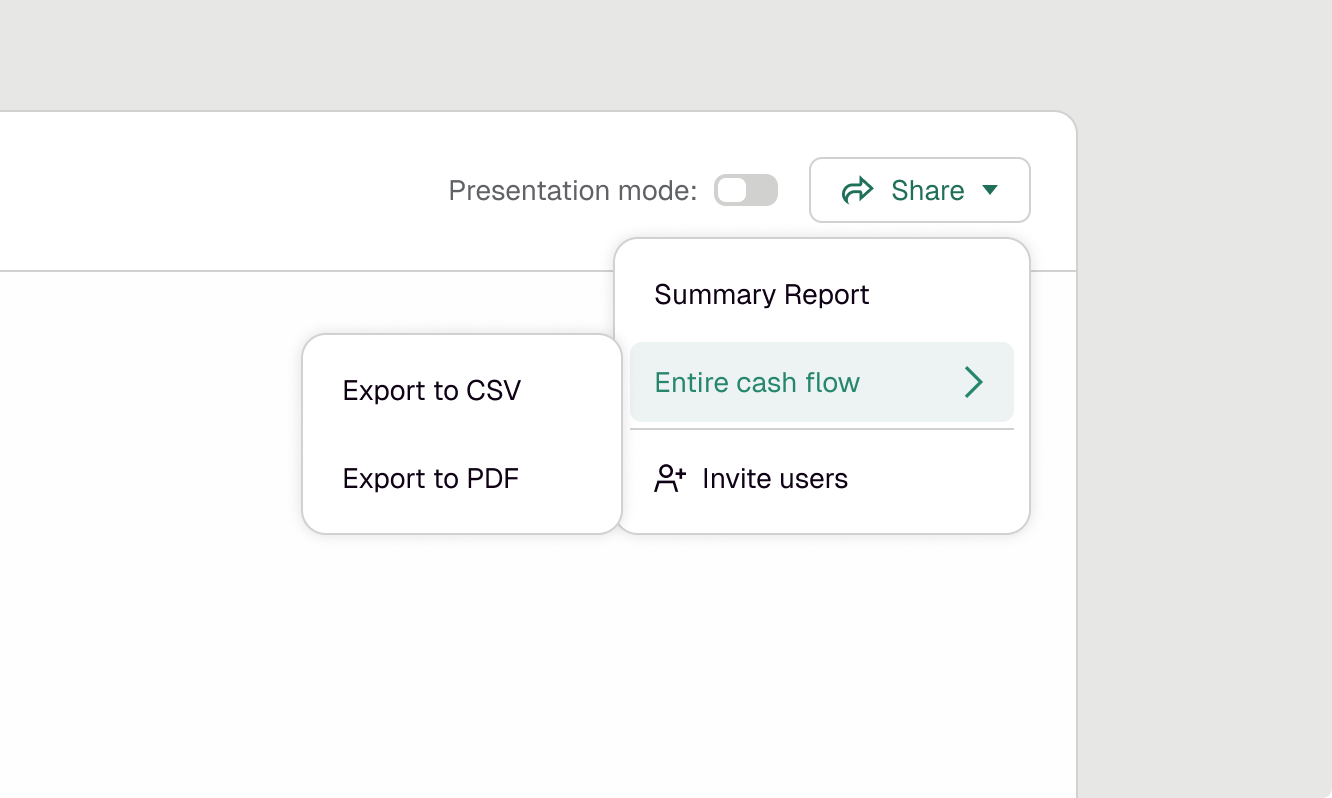
A presentation-ready forecast for conversations that matter


Get a forecast that updates itself, without the weekly rebuild.
Got questions?
We have answers
Float evaluates each line and uses whichever figure is larger: your budget amount or the actual transaction data from your accounting platform.
When actuals come in, they fill the budget for that period. So if a £10,000 invoice lands against a £15,000 budget, Float uses £15,000. If the invoice exceeds the budget, Float uses the invoice. Either way, there is no double counting.
Float syncs with your accounting platform every 24 hours. You can also trigger a manual sync at any point if you need your forecast to reflect a recent change.
Each sync pulls your latest reconciled bank balances, along with invoices, bills, and bank transactions. Your forecast is always built from data that has cleared your accounting platform, not estimates or projections.
Float uses role-based permissions so you control who can view, edit, or manage your forecast. There are three roles: Admin, Editor, and Viewer.
Two-factor authentication is mandatory for Xero users and strongly recommended for all customers. Single sign-on through your accounting platform is available for the initial user.
Because Float pulls live data directly from your accounting platform, your forecast reflects what's actually been paid, received, and reconciled without you manually updating it. When a payment clears in Xero or QuickBooks Online, Float sees it.
That means less time checking whether your forecast still matches reality, and more time using it to make decisions.
Float doesn't connect directly to your bank. It retrieves your bank transaction data through your accounting platform instead.
That means Float works with any bank your accounting software already syncs with. If your transactions are reconciled in Xero or QuickBooks Online Float will see them.
Float surfaces your lowest projected cash balance across the forecast window, not just where you are today. You can see exactly when a gap is likely to appear, which invoices are contributing to it, and what changes if a payment runs late. That gives you time to act, rather than time to explain.



